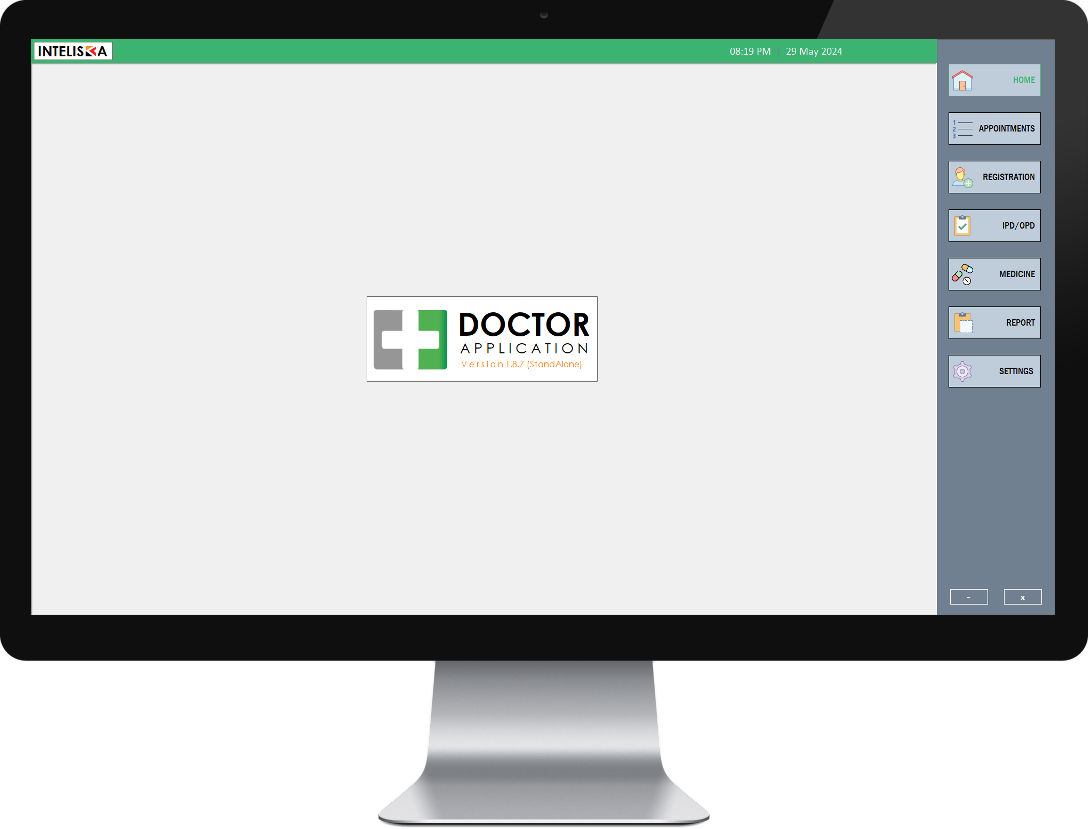
Doctor Application is a user-friendly desktop application designed specifically
to streamline clinic operations and simplify management for doctors and their staff.
Built with the needs of doctors in mind, it offers an intuitive interface that can be
easily mastered by clinic personnel.
Fully Offline Desktop Software for Windows PCs
100% Offline Fast Clinic Workflow Simple, User-Friendly UI
Who Doctor Application Is For
Doctors and private medical clinics
Clinics handling OPD and IPD patients
Medical professionals managing patient records digitally
Clinics needing appointment, billing, and inventory control
Staff looking for a simple and reliable clinic system
How Doctor Application Helps
No Internet Required
Works completely offline on Windows PCs without depending on internet connectivity.
Complete Patient Management
Organizes patient details, medical history, vitals, medications, and allergies in one place.
OPD & IPD Workflow Simplification
Streamlines outpatient visits and inpatient care with structured records and bed management.
Efficient Billing & Inventory Control
Handles billing, payments, and medical inventory with clear reporting.
Key Features
Patient Management
Manage patient details, treatment plans, vitals, medications, and allergy records.
Appointment Scheduling
Shift-wise appointment numbering for smooth patient flow throughout the day.
OPD & IPD Management
OPD scheduling and prescriptions with IPD bed allocation, discharge planning, and records.
Billing
Invoice generation, payment handling, and outstanding balance tracking.
Medical Records Management
Secure storage of patient files with quick access for diagnosis and treatment planning.
Inventory Management
Track medicines and supplies, set reorder points, and analyze inventory usage.
Reporting & Analytics
Custom reports on visits, appointment trends, and clinic financial performance.
Simple, One-Time Pricing
No monthly fees. No yearly renewals. Pay once, use Doctor Application for as long as you like.
Overview of features, screenshots and application usage.
Free — share your name & phone/email to unlock the full manual.
Note: Windows may show an Unknown Publisher warning during installation because the application isn't digitally signed yet — this is expected and you may continue with the installation.
Please contact us to get the application for Multiple PCs (Multi User).